
When people search for Moz pricing, they are usually trying to determine whether the platform can deliver enough SEO value to improve organic traffic while remaining within a reasonable budget.
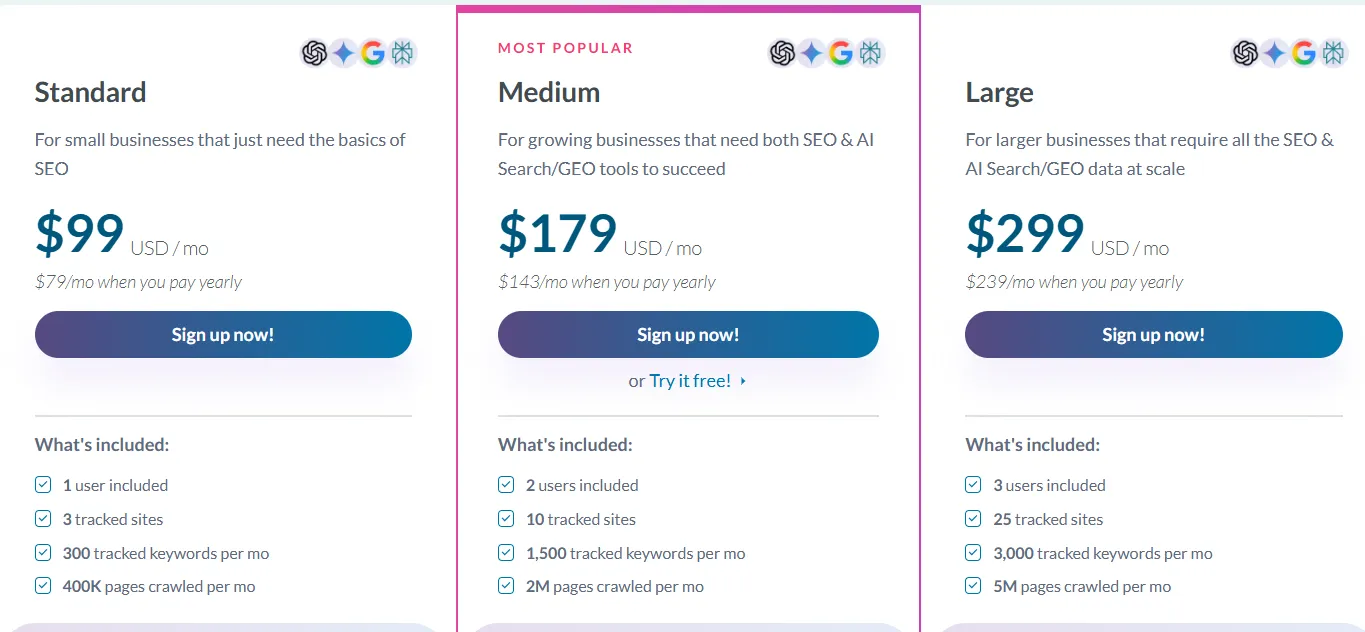
There are several ways to access Moz, starting with the $49-per-month Starter option and moving into Moz Pro plans built for businesses and SEO teams. Standard is $99 per month, Medium is $179, and Large is $299 with monthly billing. The three primary Pro plans have lower effective monthly rates when paid annually. Organizations looking for Enterprise pricing need to contact the sales team.
This guide takes a closer look at Moz pricing, the differences between plans, the features included with Moz Pro, and the factors that can help you decide whether it is worth buying.
Moz Pricing at a Glance
There are three main self-service Moz Pro plans, alongside a lower-priced Starter option and a customized Enterprise package. The current published monthly and annual figures for the three main plans are as follows.
Plan | Monthly billing | Effective monthly price with annual billing | Annual billing amount shown |
Starter | $49/month | Not confirmed on the main pricing page | Check at signup |
Standard | $99/month | $79/month | $950 for the first year |
Medium | $179/month | $143/month | $1,719 for the first year |
Large | $299/month | $239/month | $2,868 for the first year |
Enterprise | Custom | Custom | Contact sales |
For eligible Moz Pro plans, Moz advertises a 20% discount on the base price when customers choose annual payment. The benefit is a lower overall rate, while the downside is paying for a longer period upfront.
For users who have not yet decided whether the platform fits their workflow, monthly billing or an available trial can provide a less committed starting point.
What Does Each Moz Pricing Plan Cost?
Choosing between the available Moz subscriptions comes down to factors such as the number of websites you operate, your keyword research requirements, and whether the account will be used by one person or a team. Here is how the options compare.
1. Moz Starter: $49 Per Month
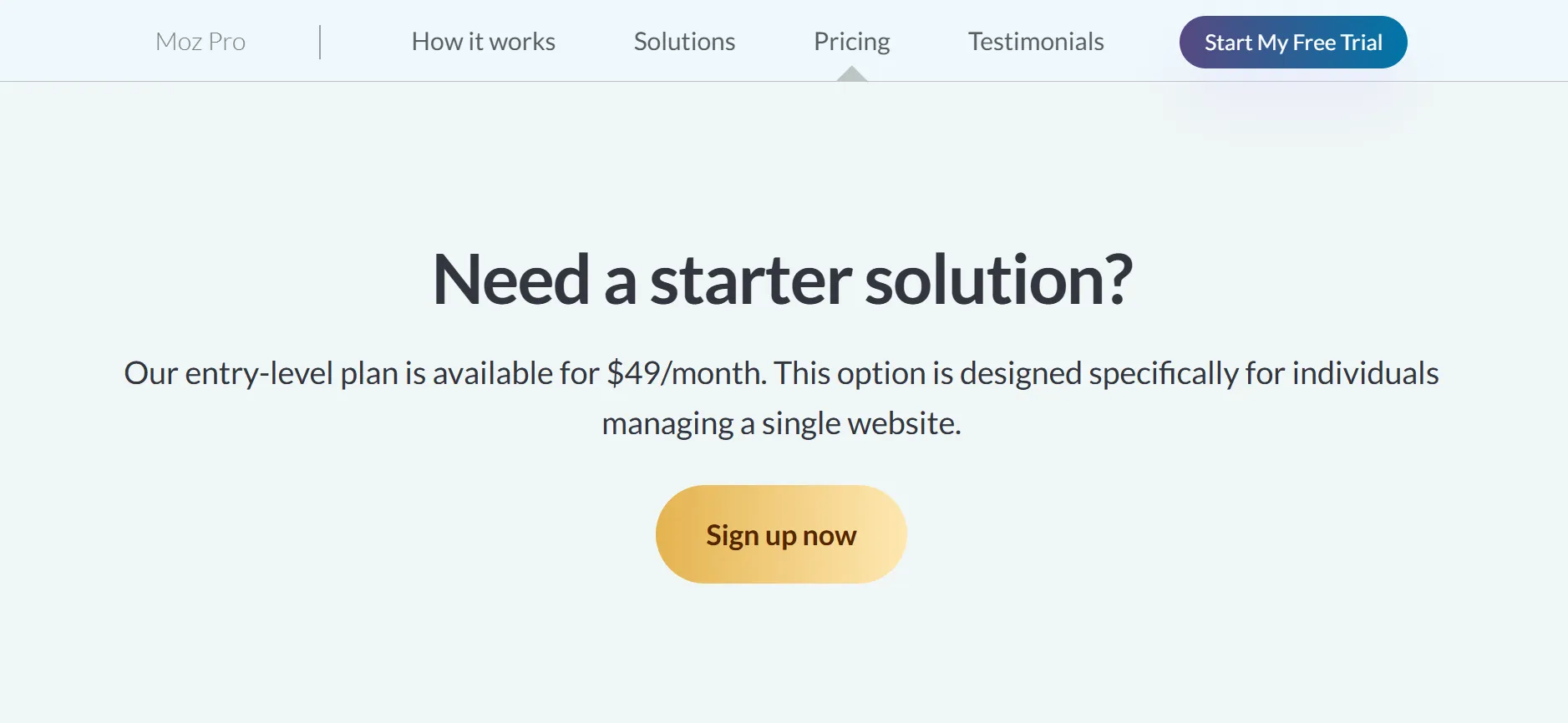
Moz Starter is positioned for users who manage a single website. Its $49 monthly price is below the three main Moz Pro plans, making it an option for website owners who want more than free SEO tools without paying for extensive research capacity.
A small business site, personal blog, or niche content website could fit this level. If you are not managing numerous websites or requiring multiple user accounts, a smaller package may prevent you from paying for resources your current SEO workload does not use.
It is important to review the exact Starter limits before signing up, particularly for keyword tracking, website campaigns, crawling, and research queries. Starter appears separately from Moz’s main pricing cards, so its allowances should not be assumed to be identical to Standard.
Billing details should also be confirmed at checkout. Moz publicly lists Starter at $49 per month, but an annual price is not clearly presented alongside the main Pro plans.
2. Moz Standard: $99 Per Month
Moz Standard is the entry plan among the three principal Moz Pro subscriptions. Monthly billing is $99, while annual billing produces an effective monthly price of $79. The first-year annual amount listed by Moz is $950.
Subscribers receive one user account, three tracked sites, 300 tracked keywords per month, and 400,000 crawled pages each month. Standard also provides core SEO tools together with selected AI and generative engine optimization capabilities.
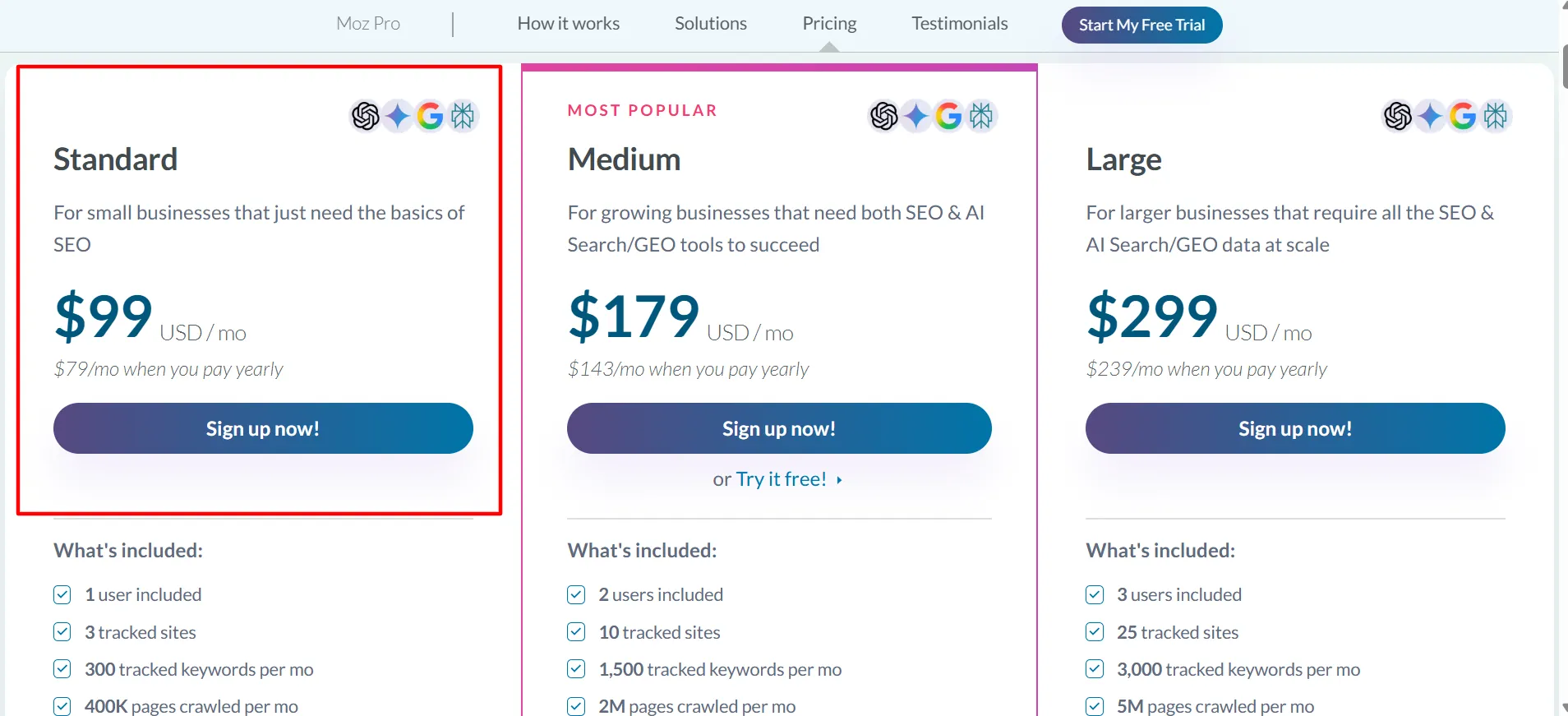
For solo SEO professionals, small companies, and website owners responsible for a few properties, Standard offers a useful starting point. It provides access to keyword research, rank monitoring, backlink analysis, and technical issue discovery without requiring the larger investment of a higher plan.
The key drawback is the available capacity. If you are handling multiple client sites or maintaining a substantial keyword list, the limits may become restrictive. The better approach is to compare your actual workload with the included allowances instead of choosing Standard only because it is the least expensive of the main Pro options.
3. Moz Medium: $179 Per Month
Medium is available for $179 per month with monthly billing, or $143 per month when billed annually. Moz shows a first-year annual payment of $1,719 and identifies this package as its most popular option.
The plan allows two users, ten tracked sites, 1,500 tracked keywords per month, and up to two million crawled pages every month. It also expands the availability of AI visibility dashboards, tracked prompts, and AI content briefs compared with Standard.
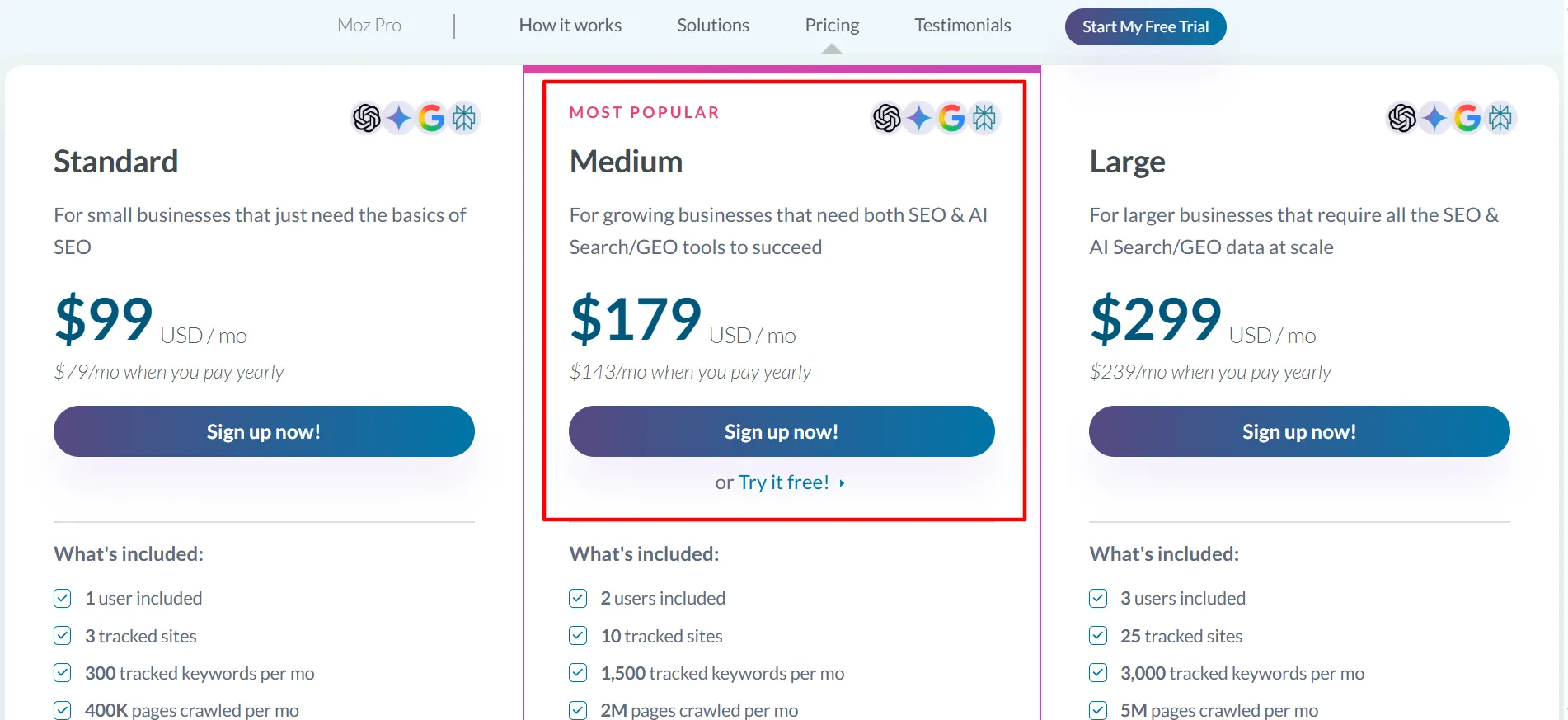
That additional capacity can make Medium a stronger match for expanding businesses, internal marketing teams, and agencies responsible for several websites. Two user accounts can support shared SEO work, while the larger keyword and crawl allowances give campaigns more room to grow.
The upgrade should still be based on actual requirements. Someone working on one small website with a limited set of keywords may find Standard sufficient. A team responsible for several projects and interested in monitoring both traditional search visibility and AI-powered search experiences may benefit more from Medium.
Moz’s pricing page also includes a free trial for Medium. Check the latest signup requirements to make sure you qualify and to confirm whether payment details are needed before the trial starts.
4. Moz Large: $299 Per Month
Large is aimed at businesses and SEO teams with greater usage requirements. The monthly rate is $299, while annual billing brings the effective monthly amount to $239. Moz lists the first-year annual payment at $2,868.
This plan provides three users, 25 tracked sites, 3,000 tracked keywords each month, and up to five million crawled pages per month. The allowances for AI visibility dashboards, tracked prompts, and AI content briefs are also higher.
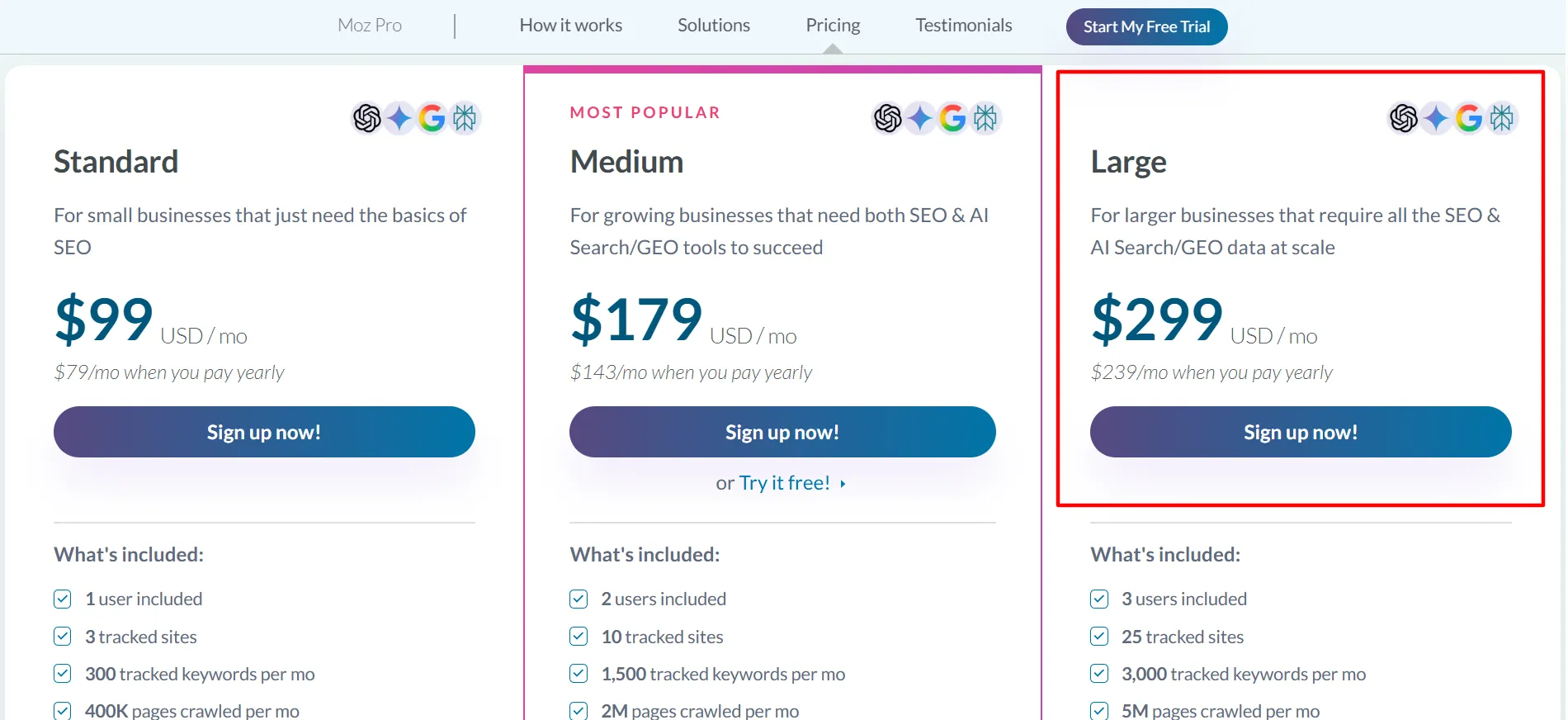
Large can be appropriate for agencies serving numerous clients, companies with multiple web properties, and teams that perform technical audits regularly. The higher limits can reduce the need to separate projects into different accounts or constantly check whether a campaign is nearing its usage ceiling.
For a company with one small website, Large is likely to exceed what is required. Calculate your actual needs for websites, keywords, and pages before upgrading. If those requirements are substantially greater than Large, contacting Moz about Enterprise is more appropriate than assuming a self-service package will handle every situation.
5. Moz Enterprise: Custom Pricing
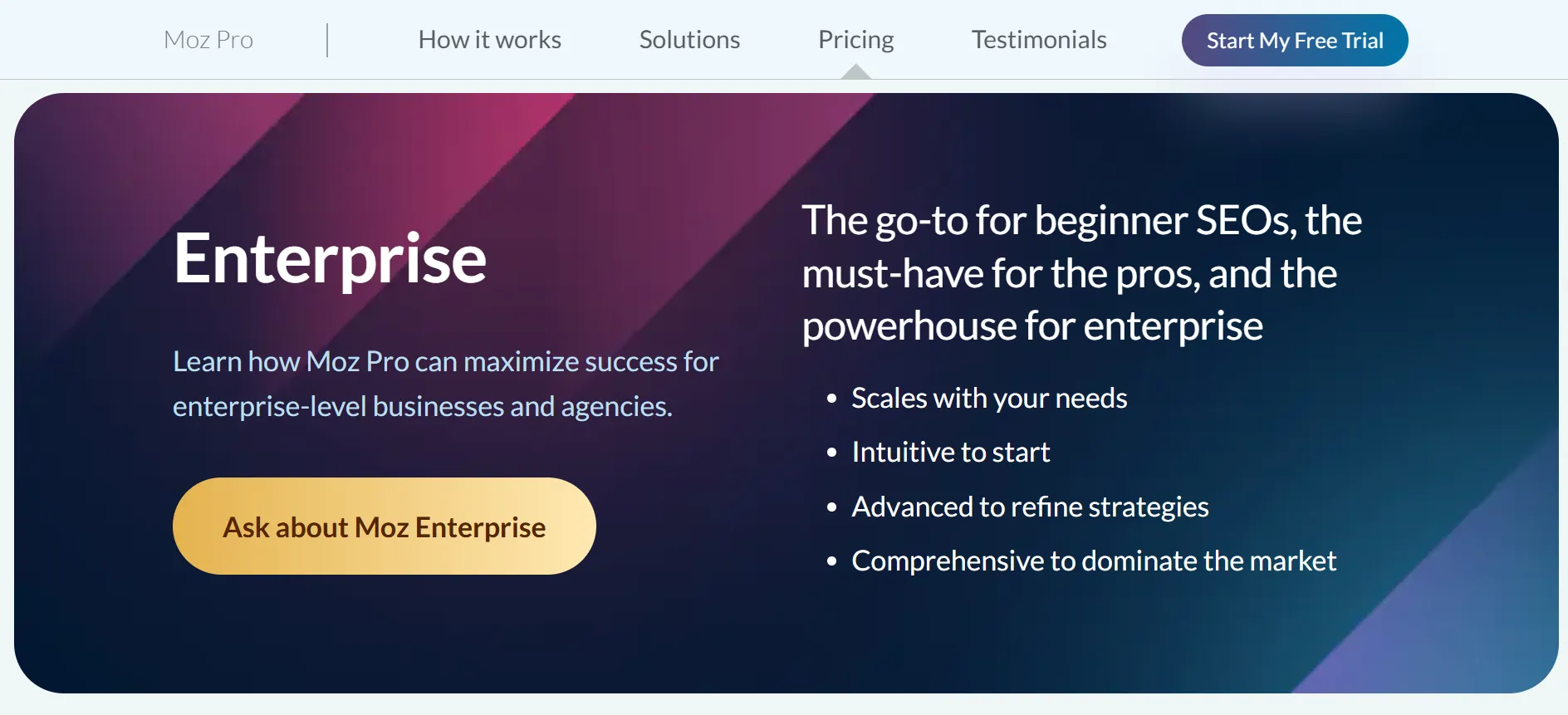
Organizations with larger or more specialized requirements can consider Moz Enterprise. Rather than publishing a standard price, Moz directs potential Enterprise customers to its sales team.
Enterprise may make sense for a company with a large SEO department, numerous websites, or particular data and reporting requirements. Pricing is determined by the package and needs discussed with Moz.
If you are evaluating Enterprise, request a written summary covering features, usage allowances, user seats, onboarding, and contract conditions. That proposal can then be compared with a self-service plan and the price of any additional capacity your team would need.
What Do You Get With Moz Pro?
Moz Pro covers considerably more than keyword discovery. It brings several recurring SEO activities together, reducing the need to manage each task through a separate workflow. While the exact limits depend on the subscription, these are the major features to examine.
1. Keyword Research
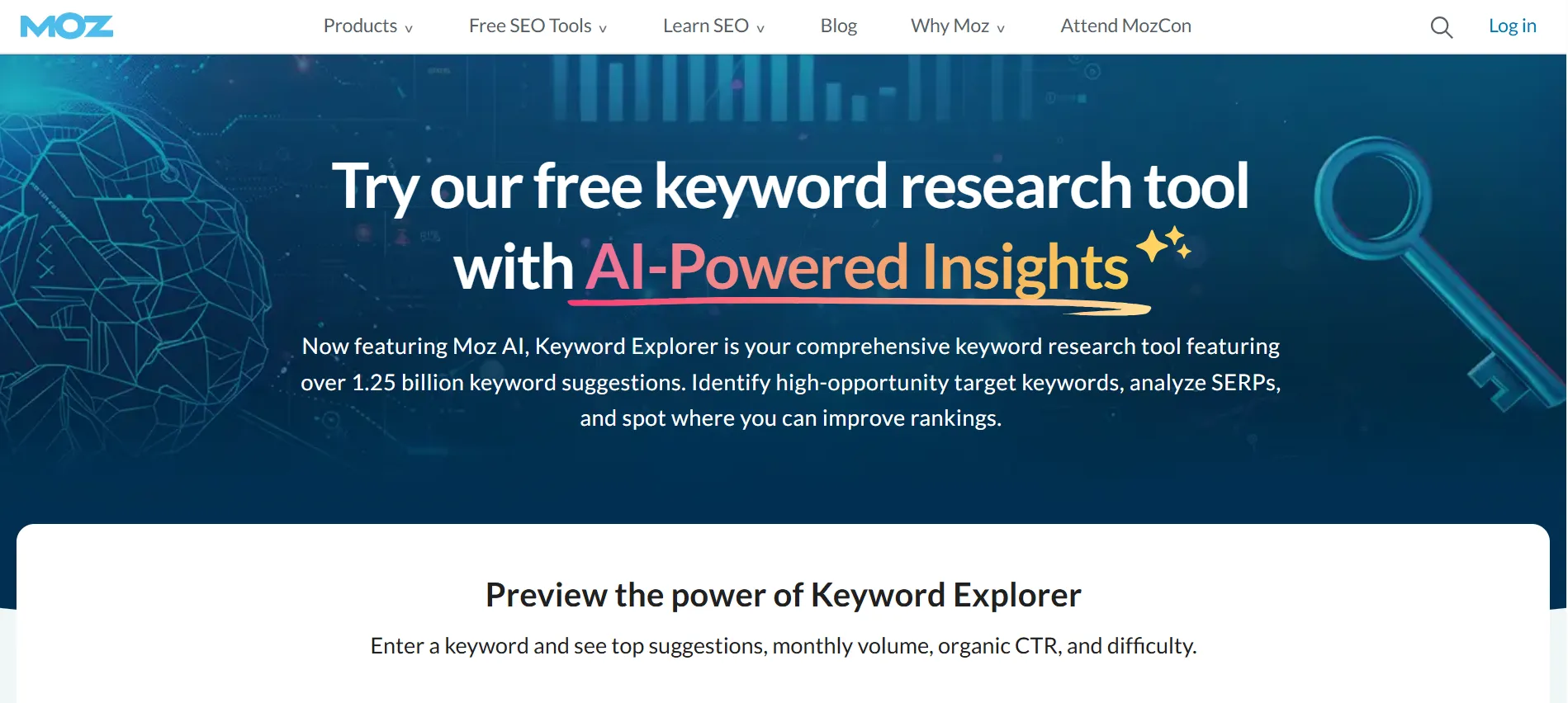
Keyword research reveals the terms users enter when searching for information, services, or products. With Moz’s Keyword Explorer, marketers can compare opportunities, examine keyword difficulty, and organize content plans around relevant searches.
Consider an accounting software company researching searches around bookkeeping, invoicing, and tax reporting. The information could help its team decide which subjects should become dedicated landing pages and which belong in blog content.
Keyword metrics should not be treated as promises of performance. They are estimates, so use them together with actual search results, knowledge of your audience, and data from your own website when planning content.
2. Rank Tracking
Rank tracking provides a record of how selected keywords change over time. It can be particularly useful after publishing new content, updating existing pages, or making improvements to internal linking.
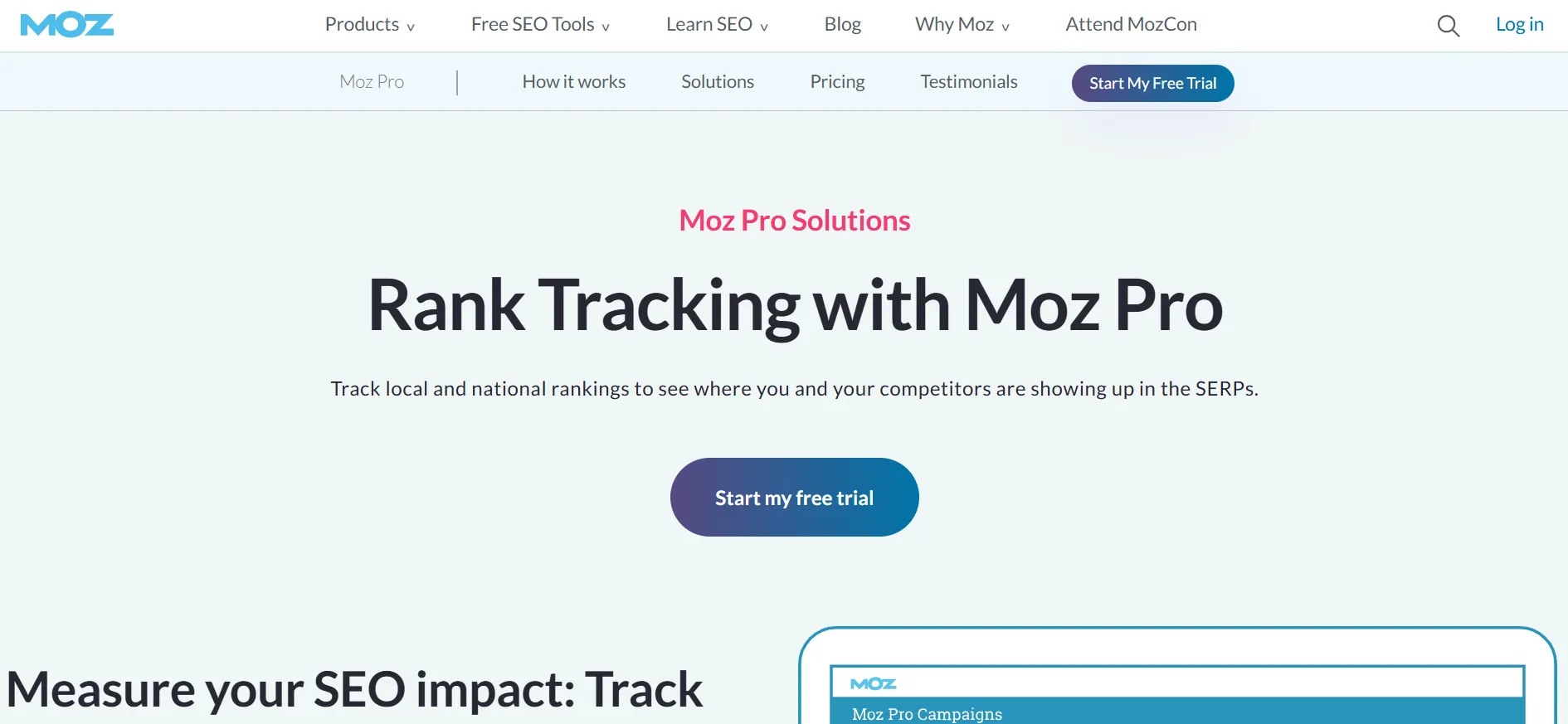
The feature can also be used for competitor comparisons. Search rankings naturally fluctuate, so one day’s movement does not necessarily demonstrate that an SEO change caused a success or failure. Look for sustained patterns and compare ranking changes with traffic and conversion information.
3. Site Audits and Crawling
Technical SEO issues can interfere with how search engines find, understand, and index website pages. Moz Pro’s crawling and site analysis capabilities help surface issues that may require correction.
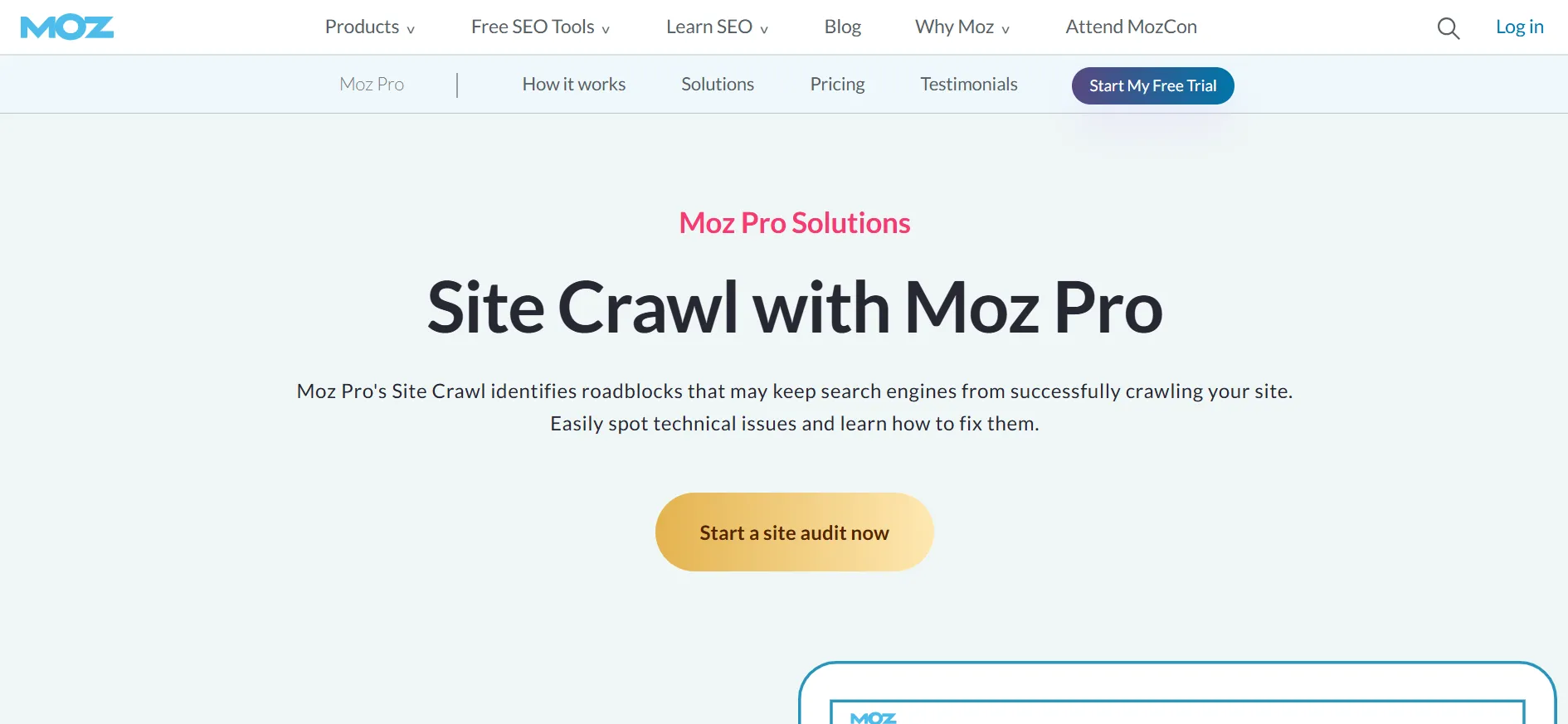
Crawl capacity varies according to the plan, ranging from hundreds of thousands of pages each month to several million. This distinction can be significant for large product catalogs, extensive content archives, or websites where many pages need recurring technical checks.
A crawl report should not be viewed as a ready-made repair plan. Go through the findings, prioritize issues affecting valuable pages, and ensure that any changes you make do not produce additional technical problems.
4. Backlink Analysis
Backlinks remain relevant to SEO analysis because links can provide search engines with information about relationships between websites. Moz’s link research tools allow users to inspect backlink profiles and investigate websites linking to competitors.
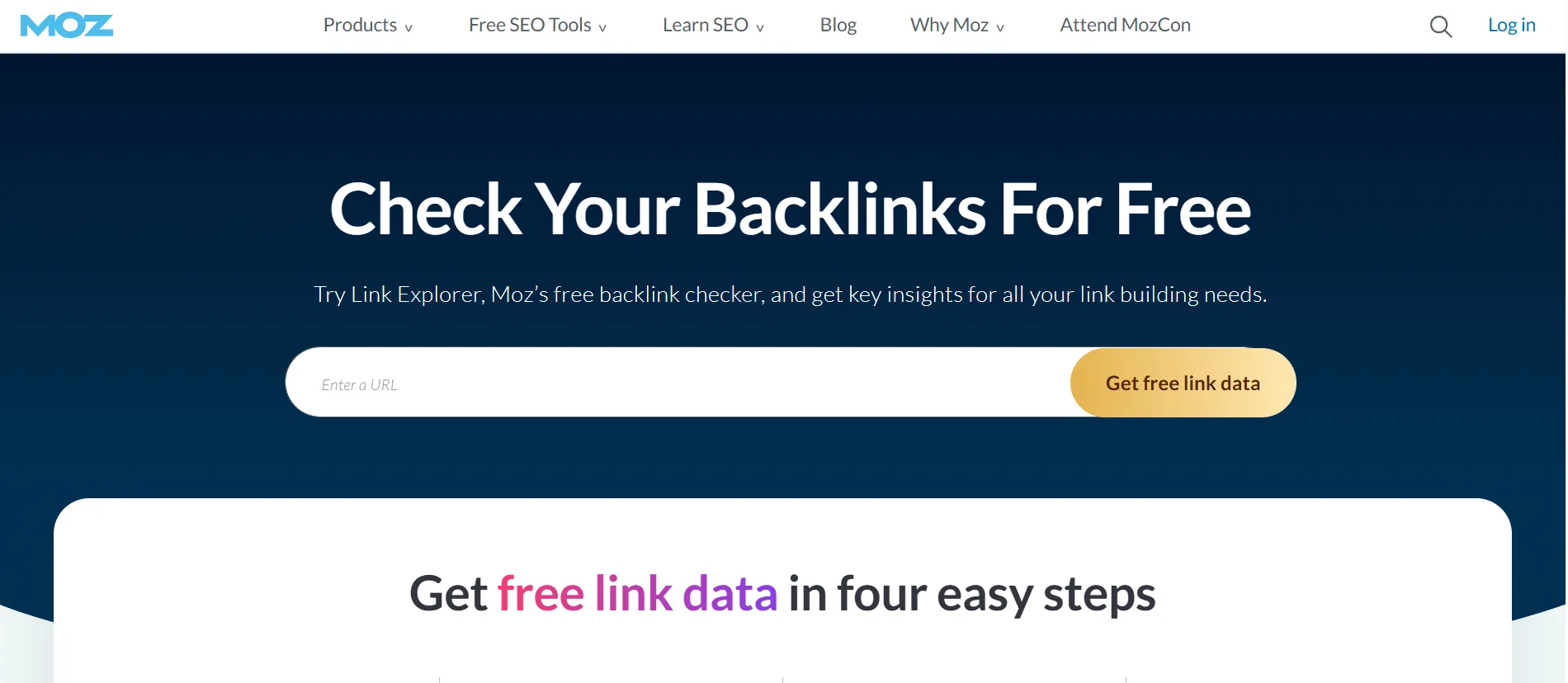
The resulting information can support outreach efforts and identify backlinks that need closer review. It may also uncover patterns such as links from relevant industry publications or pages that previously linked to your website but have stopped doing so.
A backlink should not be judged using a single metric. Its relevance, placement, page quality, and surrounding context all contribute to its value.
5. Domain Authority
Domain Authority is one of Moz’s best-known metrics. The score estimates a website’s ranking ability using its link profile and other data. SEO professionals often use it to compare sites and get an approximate picture of relative link strength.
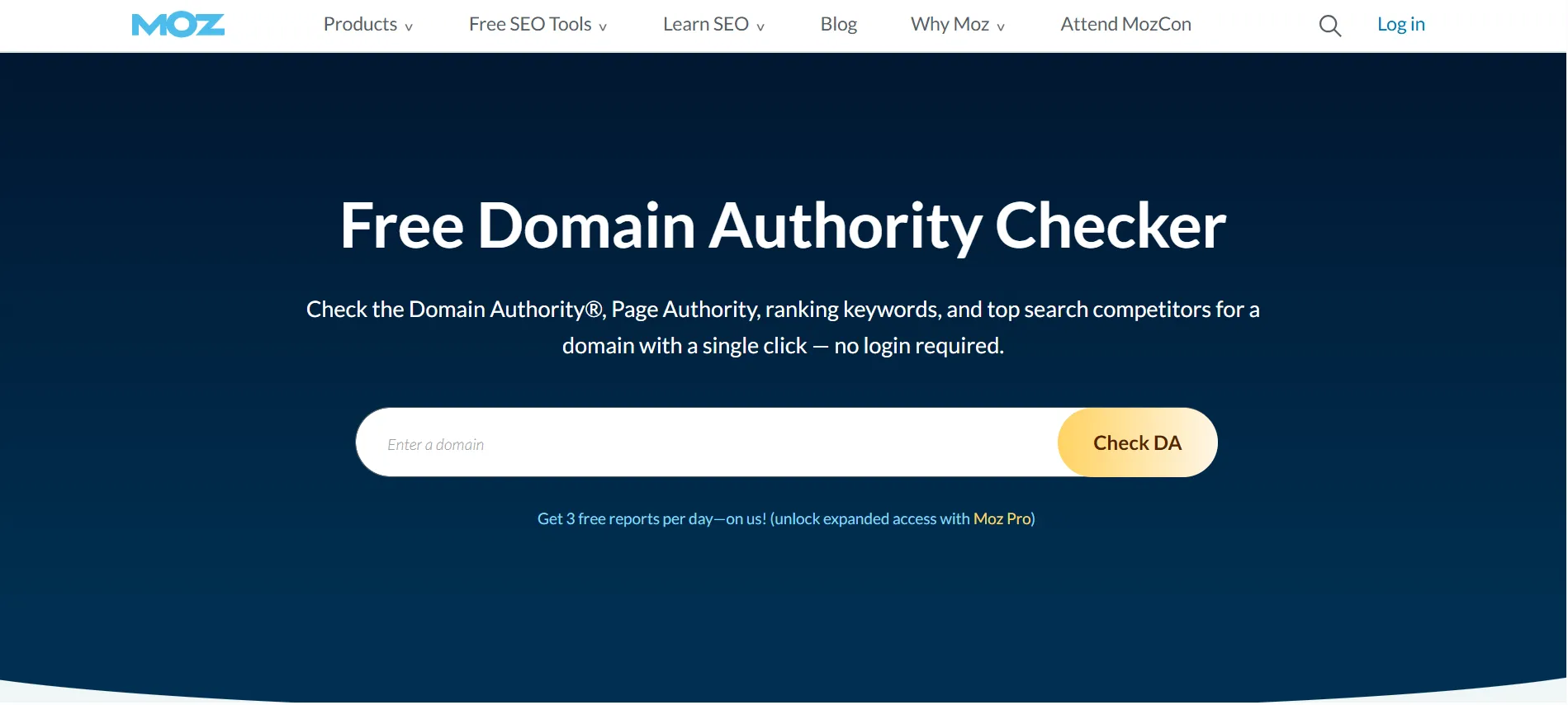
It is important to remember that Domain Authority is not a Google ranking factor. A higher score also does not ensure higher search positions. Use the metric for comparisons rather than treating monthly growth as a mandatory SEO goal.
6. AI Search Visibility Features
The current Moz Pro plans include AI and generative engine optimization features as well. These cover AI Overviews by keyword, AI visibility dashboards, tracked prompts, supported AI models, and AI content briefs, with the amount available depending on the selected plan.
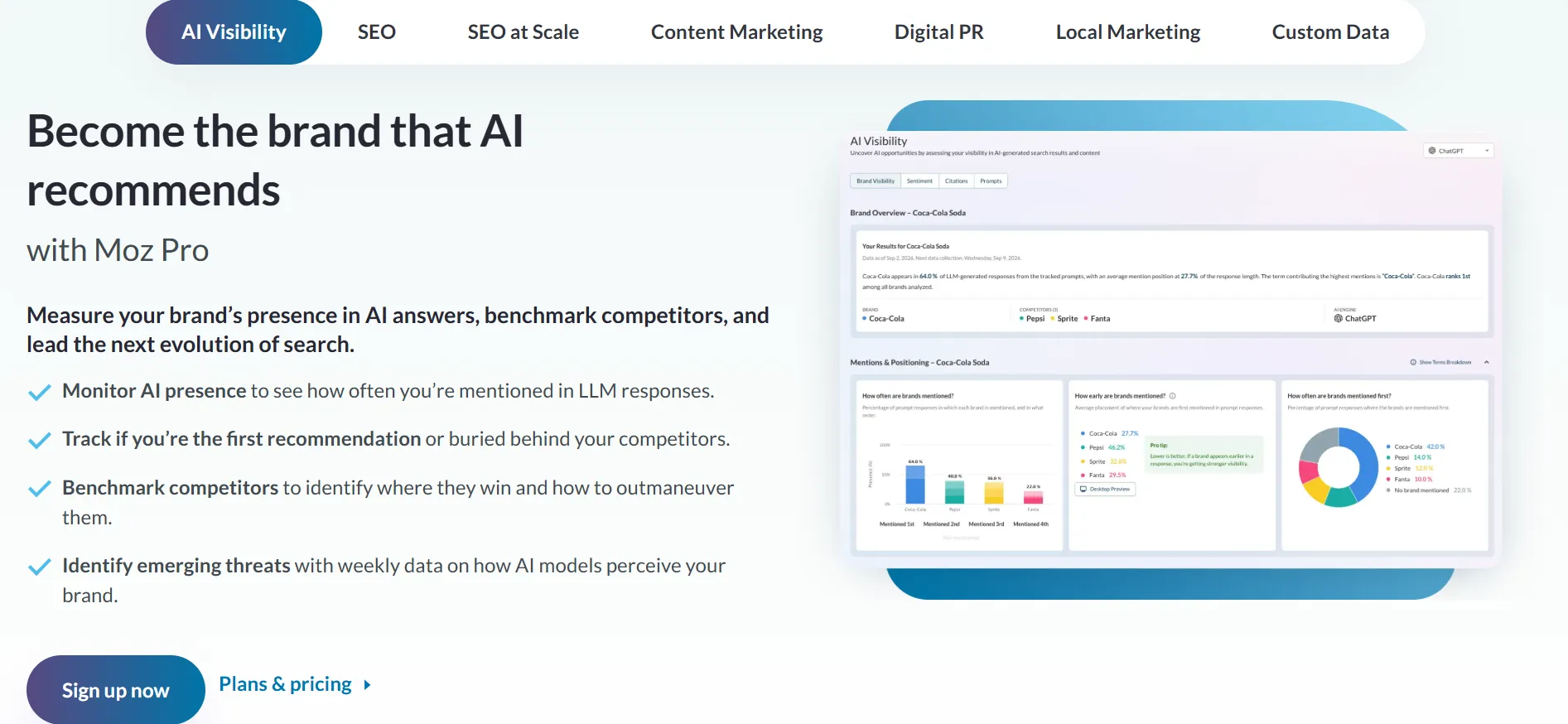
These capabilities allow marketers to investigate brand visibility within selected AI search experiences. Because AI search is developing quickly, verify the models and reporting features currently supported by Moz if AI visibility is an important reason for purchasing the platform.
Is Moz Pricing Worth It?
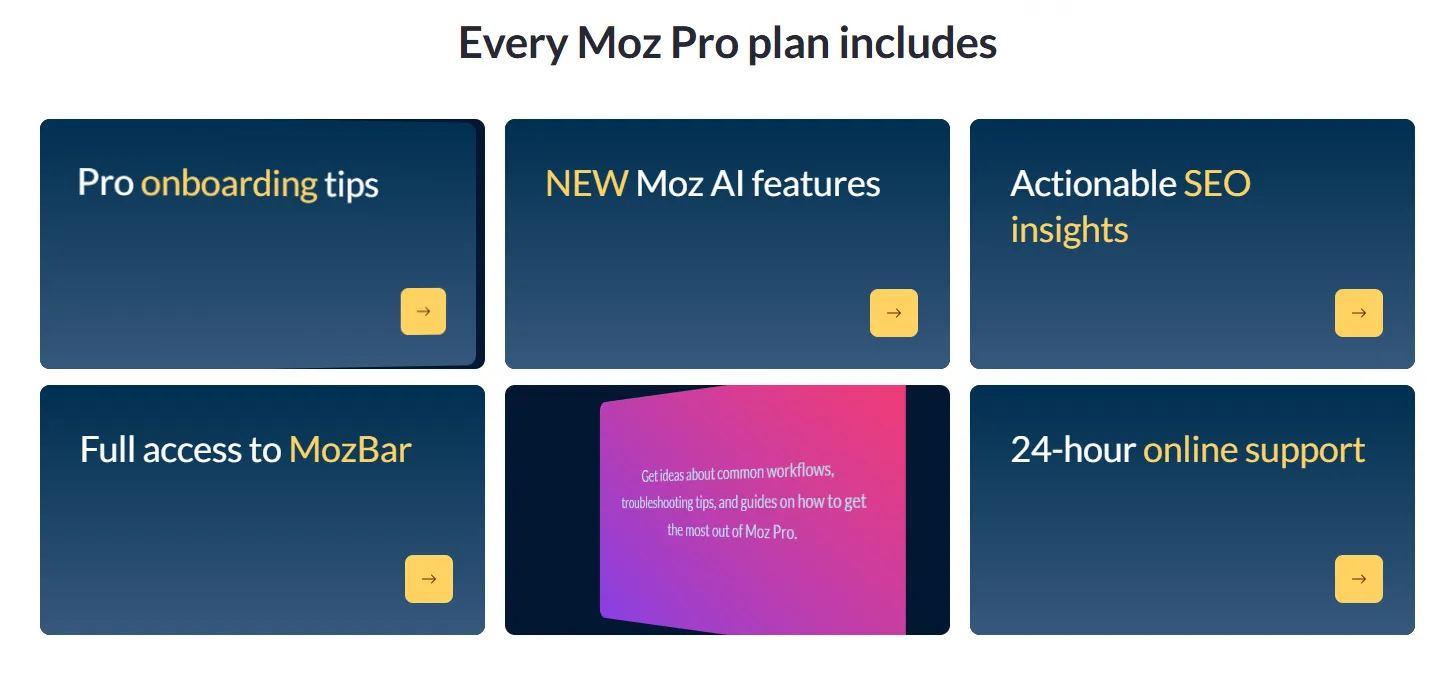
The price of Moz can be justified when the platform becomes part of your regular SEO process and the information it provides improves your decisions. The main value comes from having keyword research, rank tracking, backlink analysis, technical audits, and AI visibility tools together.
For a company that publishes content every week, follows competitors, and monitors important keywords, the time saved through one platform may make the subscription worthwhile. Agencies can similarly benefit from managing several client websites from one account.
If you only look up a handful of keywords occasionally, the cost is harder to defend. A new blogger or small website owner may find that Moz’s free tools and Google Search Console provide enough information before a paid subscription becomes necessary.
Evaluate the cost against the work you expect to perform each month. If Moz will support content planning, technical troubleshooting, progress reporting, and backlink evaluation, the paid subscription may fit your budget. If you only need a single capability, another specialized tool or a free alternative may be more suitable.
Moz Pro vs. Free Moz Tools
Moz has free SEO tools that provide limited access to selected features without requiring users to purchase a Pro subscription. These include limited versions of Keyword Explorer, Link Explorer, and MozBar through a free Moz Community account.
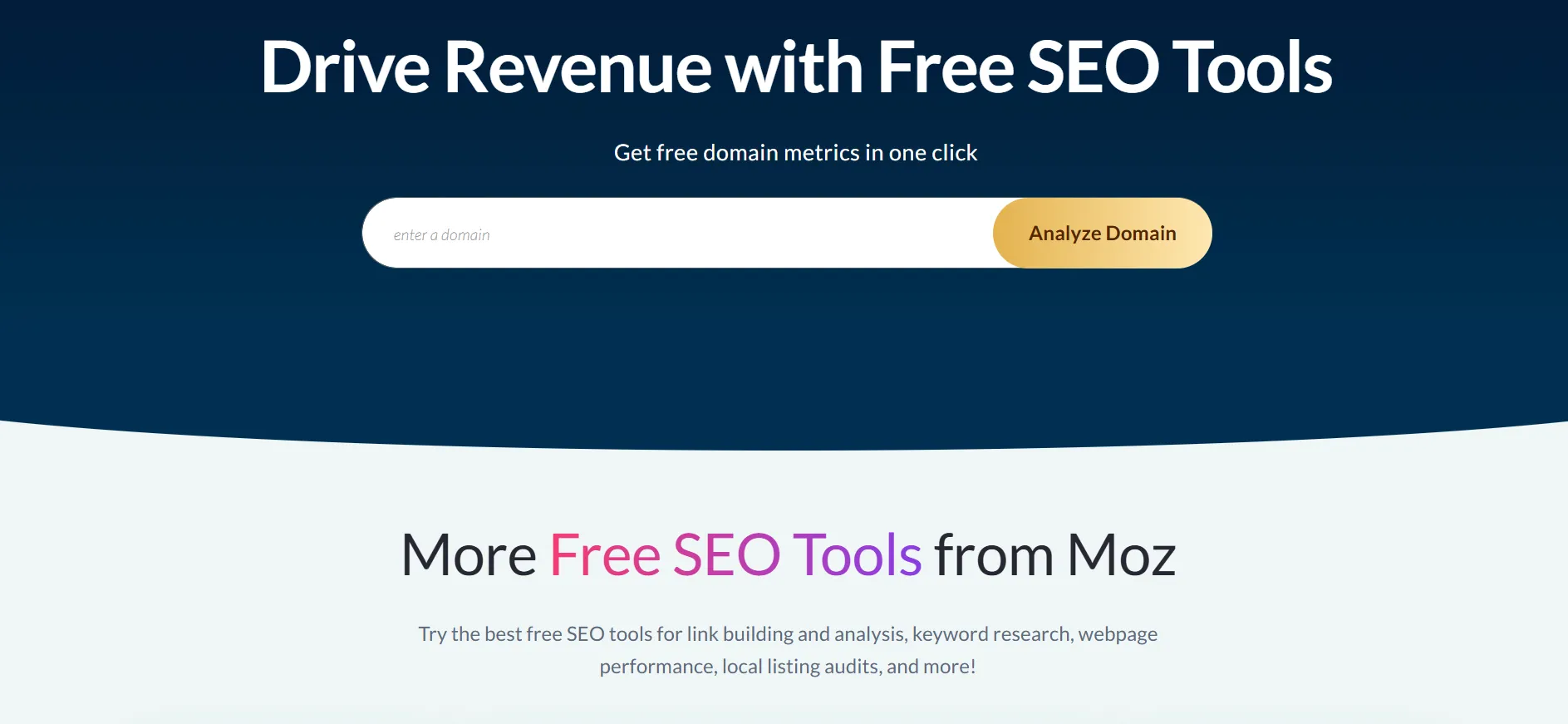
For anyone learning SEO or operating a small website, starting with the free tools can be practical. They provide an opportunity to test the interface, research keyword possibilities, and inspect backlink data before deciding whether paid capacity is necessary.
The key difference is the amount and depth of available data. Paid plans increase allowances and add ongoing tracking, crawling capacity, reporting, and AI visibility features. If your goal is continuous monitoring across multiple websites, free access may not provide sufficient capacity.
How to Choose the Right Moz Pricing Plan
Your existing SEO workload should determine your choice, rather than simply selecting the most expensive option available within your budget.
Choose Starter if you manage one website and want a paid entry-level option.
Choose Standard if you operate a small business or manage a few sites with a modest number of keywords.
Choose Medium if you oversee several websites, require greater keyword tracking, or work on SEO together with another person.
Choose Large if your team manages many websites and requires higher crawl and research limits.
Ask about Enterprise if your organization has specialized or large-scale SEO requirements.
Before subscribing, document the websites you manage, the number of keywords you monitor, your audit frequency, and the people who need access. Use that list to compare your requirements with each plan’s limits.
Billing should also be part of the decision. Standard, Medium, and Large all have lower effective monthly rates with annual billing, but yearly payment requires more money upfront. If you are still uncertain about whether Moz suits your process, review the free options and available trial before making a longer commitment.
Pro & Cons of Moz
Pros
- Covers major SEO activities from one platform.
- Useful for both traditional search optimization and AI search monitoring.
- Annual plans offer a meaningful 20% price reduction.
- Multiple pricing tiers make it easier to scale as SEO needs grow.
- Includes respected SEO metrics and established research tools.
- Provides educational resources and onboarding support for users
Cons
- The monthly cost may be difficult to justify for casual SEO users.
- Higher plans are needed for larger keyword, site, and campaign requirements.
Quick Links:
FAQs: Moz Pricing October 2026
Moz Pro is designed to help businesses and marketers improve organic search visibility. Its toolkit covers keyword discovery, competitor and backlink research, technical site audits, rank tracking, and SEO performance analysis.
The current monthly plans are Standard at $99, Medium at $179, and Large at $299. Users who select annual billing can access lower monthly-equivalent rates of $79, $143, and $239.
Moz offers a free Moz Community account with limited access to selected tools. Users can also try eligible Moz Pro plans through its free trial before committing to a paid subscription.
Moz's current account guidance states that it does not offer refunds, so users should review the subscription and cancellation terms before purchasing. Cancelling prevents future renewal but does not refund the existing paid billing period.
Yes. Moz Pro can be purchased with annual billing, which currently provides a 20% discount compared with the base monthly pricing.
Yes. Current Moz Pro plans include AI-powered tools and AI/GEO capabilities. Depending on the plan, users can access features such as AI Visibility dashboards, tracked AI prompts, AI model tracking, and AI content briefs.
The number of tracked sites depends on the plan. Standard supports 3 tracked sites, Medium supports 10, and Large supports 25.
Moz Pro can be useful for agencies because higher plans provide more tracked sites, keywords, campaigns, users, crawling capacity, and AI Visibility capabilities. Larger organizations can also explore Moz Enterprise.
Final Verdict: Moz Pricing October 2026
Moz pricing starts at $49 per month for Starter. The three primary Pro plans are priced at $99, $179, and $299 per month with monthly billing. Annual payment lowers the effective monthly cost of Standard, Medium, and Large. The right option depends mainly on the number of websites you manage and the amount of SEO data your work demands.
Moz Pro can be a useful choice for businesses, content teams, and agencies that regularly perform keyword research, rank tracking, backlink analysis, site audits, and AI search visibility work. Its established SEO metrics and broad feature set can make it practical for teams that want several SEO functions available in one platform.
For a new blogger or someone who only needs occasional keyword research, paying for Moz may not be necessary. Use the free tools first, review the available trial, and determine whether the plan limits actually match your workload before subscribing.
Our verdict: Moz Pro can be worth buying when you use its capabilities regularly and require more research capacity than the free tools provide. Select the smallest plan that handles your current requirements, and move to a higher plan only when your SEO workload increases.

Comments
Be the first to leave a comment.