
Searching for a Snapchat coupon code that actually works? Here’s the honest answer: Snapchat doesn’t run one. What it does have is a pricing structure where billing annually saves you nearly 50%, plus a partner promo code system for anyone who’s been handed a specific code. This guide covers both, pulled straight from Snapchat’s own pricing and help pages.
Snapchat Coupon Code 2026

Spend $350, Get $375 FREE
Spend $350, receive $375 bonus credit for a total ad budget of $725. Perfect for brands ready to run full campaigns and scale quickly.
Spend $50, Get $75 FREE
Spend $50, get $75 bonus credit, total budget $125. Ideal for small businesses or those just testing the platform for the first time.
Snapchat+ Pricing at a Glance
Plan | Monthly Rate | Total Billed | Who It Fits |
Annual | $2.25/mo | $26.99/year | Long-term users who want the lowest rate |
Monthly | $4.49/mo | $4.49/month | First-timers who want flexibility |
Family Plan | $6.49/mo | Shared across household | Multiple Snapchat+ users under one roof |
Lens+ | $7.99/mo | $7.99/month | Users who just want the exclusive AR/GenAI lenses |
Platinum | $13.49/mo | $13.49/month | Users who want an ad-reduced feed on top of everything else |
Do the math and the annual plan wins by a wide margin: $26.99 a year versus $53.88 if you paid monthly for twelve months. That’s a savings of $26.89, which is the real “coupon” here, no code needed.
What You’re Actually Paying For
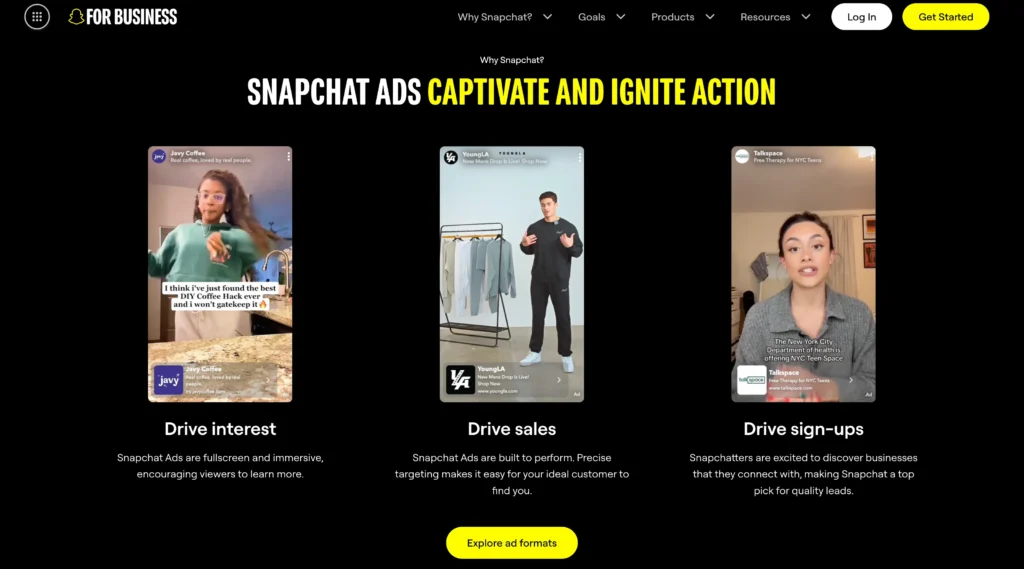
Snapchat’s core app has never charged a cent, and that isn’t changing. Messaging, Stories, Snaps, all of it stays free. Snapchat+ sits on top as an optional layer for people who want more: custom app icons, seeing who rewatched your Story, pinning a Best Friend, and getting early access to features still in testing.
Lens+ and Platinum work differently than most people assume. They’re not “better” tiers stacked on top of Snapchat+, they’re separate add-ons for specific wants. Lens+ is just for the exclusive AR and GenAI lens library. Platinum bundles the standard Snapchat+ features with a lighter ad load. Buying Platinum assuming it includes Lens+ features, or vice versa, is a common mix-up worth avoiding.
There is no public, sitewide discount code for any of these. If you’ve seen a site claiming otherwise, it’s almost certainly fake or expired.
Redeeming a Real Promo Code
Occasionally, Snapchat partners hand out promo codes for Snapchat+. If you’ve got one, here’s how it actually works:
Check the fine print from the partner. Plenty of codes are restricted to people who’ve never subscribed before.
Head to the link the partner gave you, or go directly to accounts.snapchat.com/plus/promo-redeem.
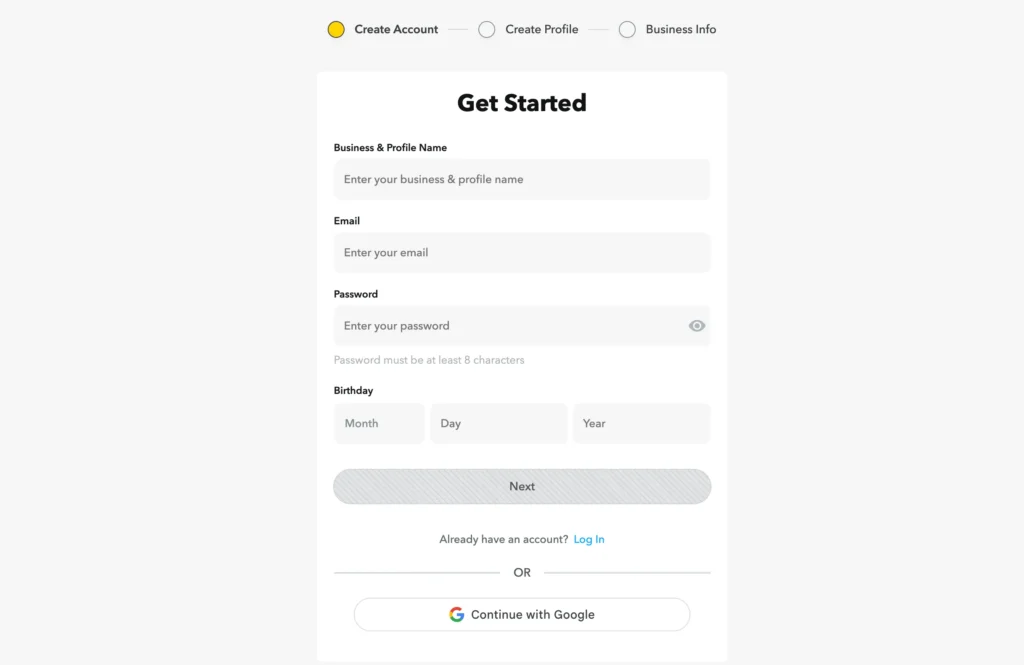
Log in, or set up an account if you’re new.
Type in the code and hit Continue.
If it checks out, you’ll pick a plan and your free trial kicks off from there.
Worth knowing before you commit:
Even a “free” trial needs a card on file.
Forget to cancel, and it rolls straight into a paid subscription.
EU and UK users get 14 days to cancel a promotional subscription and have it wiped immediately. After that, it just won’t renew.
US users who cancel right after redemption won’t get charged once the promo period ends.
Code not working? Nine times out of ten it’s a login issue, so check you’re on the right account first. After that, look at whether the code’s expired or already used. Partner-issued codes are the partner’s responsibility to fix, not Snapchat’s, so that’s who to contact if it’s still stuck.
Pricing Breakdown
Plan | Monthly Equivalent | Annual Cost | Included |
Monthly | $4.49 | — | Full Snapchat+ feature set |
Annual | $2.25 | $26.99 | Full Snapchat+ feature set, billed once yearly |
Family Plan | $6.49 | — | Snapchat+ shared among household members |
Lens+ | $7.99 | — | AR and GenAI lens library only |
Platinum | $13.49 | — | Snapchat+ features plus reduced ads |
Free Trial Terms
Trials aren’t a fixed perk on every account. They come and go based on region and whether you’ve subscribed to Snapchat+ before. When one’s offered, it still requires a card up front and switches to a paid plan automatically unless you cancel.
Refunds
There’s no Snapchat-run refund desk for this. Since billing happens through the Apple App Store or Google Play, whichever store processed your payment handles the refund request. The one exception is the EU/UK 14-day promotional cancellation rule mentioned above.
Getting Support
Billing issues go through Snapchat’s help center, not a phone line or dedicated subscriber team. If a promo code won’t apply after the usual checks, Snapchat’s support bot is the next stop. For anything tied to a specific partner code, that partner will resolve it faster than Snapchat support can.
Weighing It Up
What works in Snapchat+’s favor:
Annual billing nearly halves the effective cost
A Family Plan beats paying for separate accounts
The base app costs nothing regardless of subscription status
Lens+ and Platinum let you pay for exactly what you want, not a bundled package
What doesn’t:
No sitewide coupon codes, despite what some sites claim
Trials aren’t guaranteed everywhere
Refunds route through app stores, adding a layer of friction
Auto-renewal after a trial catches people off guard more often than it should
Ten Quick Facts
Detail | Info |
Lowest-cost plan | Annual, $2.25/month |
Standard monthly rate | $4.49/month |
Full annual cost | $26.99/year |
Family Plan rate | $6.49/month |
Lens+ rate | $7.99/month |
Platinum rate | $13.49/month |
Sitewide coupon codes | None exist |
Refund process | Through Apple App Store or Google Play |
Trial card requirement | Yes, even for free trials |
Base Snapchat cost | Free, no subscription needed |
Ways to Actually Save
Commit to annual if you already know you’ll use it past three months.
Keep an eye out for partner promo codes through brands Snapchat occasionally works with.
Split a Family Plan instead of paying for separate individual accounts.
Skip Lens+ or Platinum unless you’ll genuinely use what they add.
Set a reminder before any trial ends so you don’t get billed by surprise.
Stick to Snapchat’s own redemption portal if a partner link looks off.
Check pricing in your region if your accounts are tied to different app stores.
If you’ve lapsed before, watch for new-user promo codes when you resubscribe.
Bottom Line
Chasing a Snapchat coupon code is a dead end since one doesn’t exist. The actual savings come down to billing annually instead of monthly, which cuts the cost by roughly half without any code involved. Households with more than one Snapchat+ user should look at the Family Plan instead. Add Lens+ or Platinum only if their specific perks matter to you, not as a default upgrade path.
FAQs
There are no sitewide Snapchat coupon codes. Any valid discounts come from partner-specific promotions, not general codes found online.
Choosing annual billing is the most affordable option, costing $2.25 a month or $26.99 total for the year.
No, a valid card is required to start a free trial, even if you won't be charged until it ends.
Refunds are handled by the app store you paid through, such as Apple or Google, not by Snapchat itself.
First check you're on the correct account and that the code hasn't expired. If it still doesn't work, contact whoever issued it for help.



Comments
Be the first to leave a comment.