

When you manage social media for clients, an SMM panel isn’t a shopping site, it’s part of your work tools. A normal week for me means dozens of orders for different clients, on different platforms, with different deadlines. And every client expects their report to show real, working numbers.
So I didn’t review SMMPanelServer by reading their homepage. I moved a full week of real client work into it about 140 orders for 11 clients across five platforms. Some orders went through the dashboard, some through the API. Here’s exactly how it went in this SMMPanelServer Review.

Budget-friendly SMM panel emphasizing affordability without sacrificing quality for all social networks. Offers transparent pricing, fast delivery, and comprehensive service options. Best for cost-conscious resellers and small agencies testing services before scaling.
Pros
- Cheapest pricing tier on market for budget startups
- Fast order processing and quick delivery times
- Simple interface easy for beginners to navigate
- Variety of service options across all platforms
- Responsive customer support via multiple channels
Cons
- Limited free trial options for new users
- Less transparent pricing without account login
The Setup: My Test Week
Here’s what the week looked like: Instagram followers and likes, TikTok views, YouTube watch time, and one Facebook page boost 140 orders in total, placed for real clients with real deadlines.
The platform’s own numbers set my expectations:
What they share | The number |
How often an order is placed on their system | Every 0.3 seconds |
Total orders completed | 3,710,082+ |
Order processing | 24/7, fully automatic |
Reseller pricing | Automatic for every account no application, no minimum volume |
That last row is worth a moment. Some panels keep their best tools locked behind a “reseller” application. Here, every account mine included, from day one gets the low rates, the bulk ordering tool, and the full API.
Placing 140 Orders at Once: The Bulk Tool
The first big test was the bulk order tool. Instead of entering orders one by one, you paste a whole list at once. I pasted my entire week 140 lines in a single go. The system accepted all of them and started working.
From there, every order is tracked live in the dashboard: when it started, its progress, when it finished, and this is the part I care about most for client reports whether it still qualifies for a free refill. All visible at a glance, no spreadsheets needed on my side.
There’s no approval step anywhere. Orders start the moment you confirm them, any hour of any day. Every order I placed that week including ones late at night started within minutes, matching the average start time each service shows in its catalog listing.
Those averages are measured from recent real orders, not written by the marketing team. For agency work, where I have to promise clients honest timelines, that measured data is gold.
The Refill Test: When a Client’s Numbers Dropped
Every agency faces this moment: a client’s numbers drop, and the client notices. What happens next decides whether you keep that client.
SMMPanelServer’s answer is the refill guarantee. Services marked with a refill period are protected for that window after delivery. If the numbers drop inside it, one click on the order fills them back free.
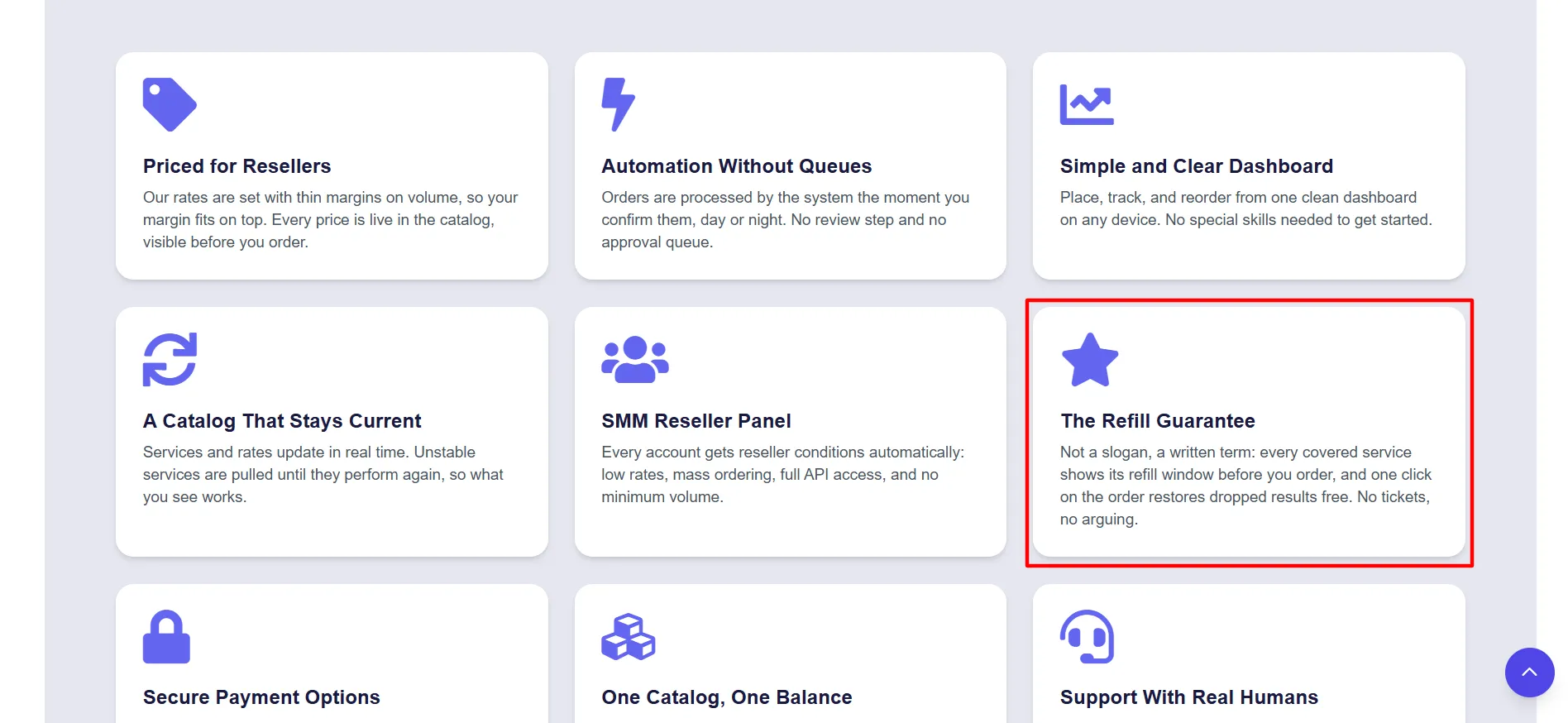
And the terms are written on every service before you order, which means when a client asks me “what if the followers disappear?”, I can answer with a written policy instead of a guess.
It happened for real during my test week. One client’s Instagram followers dropped about 8% on day four inside the refill window. I clicked the refill button. The full amount came back within a day, free. The client’s monthly report showed a smooth line, and they never knew there was a moment of trouble.
And the failures? I broke one order on purpose with a bad link to test the safety net. It failed to start, and the money returned to my balance automatically within the hour. No ticket, no phone call, no awkward explanation to a client. In agency accounting, where every dollar has to match up, automatic refunds remove a whole category of weekly headache.
The API: My Reporting Sheet Updated Itself
For monthly client packages, manual ordering doesn’t scale. So I tested the API included free with every account, no paid tier, using the standard panel format (list services, place orders, check statuses).
I had it pulling live order data into my reporting sheet within my first day. For anyone who’s connected a panel API before, it’s a minutes-long job. If you run your own panel or client portal, the same connection lets you place and track orders without ever opening the dashboard.
The Catalog: Everything My Clients Ask For
The catalog covers the platforms my clients actually use: Instagram, TikTok, YouTube, Facebook, X (Twitter) with several service types for each, priced per 1,000 units. Two catalog habits impressed me:
Broken services get removed. If a service stops performing, they pull it until it’s fixed. I don’t discover dead services by wasting a client’s budget on them.
Prices are live. They don’t print a price list on the homepage because prices in this market change daily. Every service shows its current price per 1,000 inside the catalog, before you order. In my testing, entry services sat in the low single dollars per 1,000, with no surprise fees at checkout and several staples undercut my previous supplier.
I can’t quote exact prices in this review because honest ones change every day. What I can say: nothing looked overpriced next to the market, and the live-rate model meant I always knew the real cost before committing a client’s budget.
Safety: What I Checked Before Putting Client Work Through It
Client work means client data, so I checked the trust basics first:
Email-only signup they only ever ask for an email and password, and they say so openly. Small data footprint, small risk.
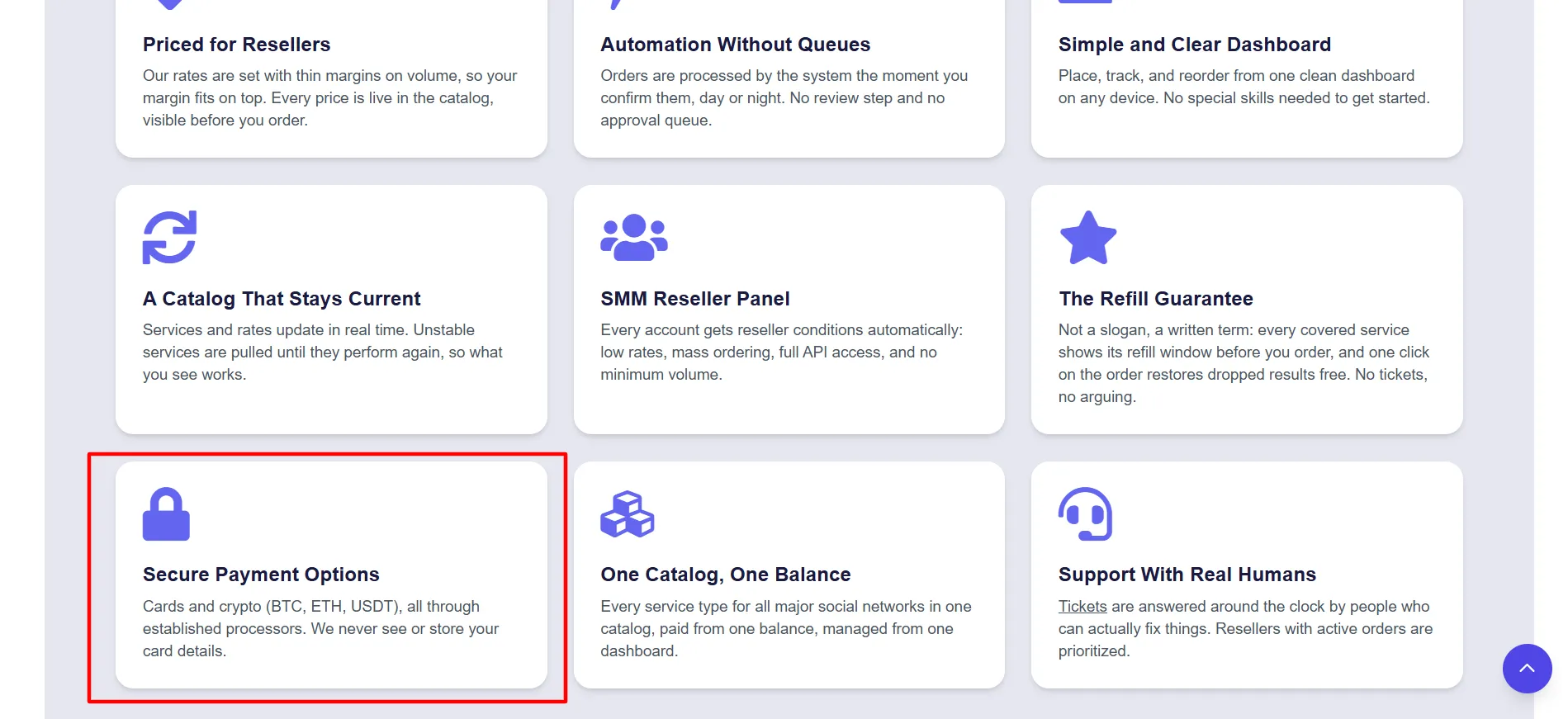
Payments through known processors cards, major cryptocurrencies, and regional methods, all handled by established payment companies. They state they never see or store card details, and my deposits are always credited automatically.
No passwords, ever. Services run from a profile link or username only. Client credentials never pass through the panel at all.
3.71M + completed orders behind the system my 140 orders were well within tested territory.
Real human support, 24/7, through tickets, with resellers holding active orders pushed to the front. One current note: their Telegram channel is temporarily having technical issues, so plan on tickets for now in my testing they answered within a couple of hours.
Regional pages for dozens of markets the US, UK, India, Brazil, Nigeria, Germany, Indonesia, the Philippines, and more each explaining the payment options most relevant there. International clients were no problem at checkout.
How the Week Ended
Before the verdict, the numbers. Of my 140 test orders, every one started within its stated window. All but one completed fully and that one refunded itself. One needed a refill, which came back free within a day.
Nothing got stuck, nothing needed a phone call, and no client report had a hole in it. For a tool I only started testing that week, that’s about as smooth as agency infrastructure gets.
What I’d Improve
To keep this honest, here’s what I’d fix:
The design is plain. Everything works and is easy to find, but it won’t win design awards. My team learned it in the afternoon. They just don’t admire it.
Service quality varies. Some services are better than others, like on every panel. The catalog’s refill terms and measured start times are the fixes I read before routing any client budget.
No public price list. You need the free account to see live rates. More honest than stale printed prices, but worth knowing.
The standard warning: bought engagement always carries some platform-policy risk on every panel. I use moderation, spread delivery out naturally, and set honest client expectations. Used wisely, panels build the social proof that gets clients taken seriously; used carelessly, they attract the wrong attention.
Who This Fits
One account stretched comfortably across my whole week from single test orders to 140-order batches so it clearly fits a range of setups:
Freelance social media managers running monthly growth packages the API turns that line item into something automatic.
Small agencies with multiple clients bulk ordering plus live per-order tracking replaces an afternoon of admin with one paste.
Agencies thinking about white-label the child panel option (your own domain, logo, and prices, running on their system, as a monthly subscription) is a realistic way to productize your growth services without building software.
Pros and Cons: SMMPanelServer Review
Pros
- Bulk paste of hundreds of orders, each tracked live
- Orders start within minutes, 24/7 no queue, no approval step
- Refill guarantee written on each service, restored free with one click
- Failed orders refund automatically no tickets, no chasing
- Free API in standard format on every account, no paid tier
Cons
- Plain, simple interface
- No printed price list live rates only inside the panel
FAQs: SMMPanelServer Review
Yes, that's exactly how I used it. Every order tracks individually with live status and refill eligibility, bulk ordering handles batches, and the API feeds everything into my own reporting.
If the service has a refill period, click refill on the order and the system restores the dropped amount free. The terms are written on each service before you buy.
Yes, orders that can't start or finish return to your balance automatically. I tested this on purpose and it worked within the hour.
No. Services run from a profile link or username only. Client credentials never pass through the panel.
Yes, through the free API service listing, order placement, and status checks, all in standard panel format.
Each service shows its average start and completion time, measured from recent real orders, plus its refill terms. Check both before promising a client a timeline. That's what I do.
Quick Links:
My Verdict: SMMPanelServer Review
As agency tools go, SMMPanelServer did its job quietly and well. My test week produced zero stuck orders, one clean automatic refund, one free refill that saved a client report, and an API that quietly gave me back several hours of admin.
The interface is plain and Telegram support is temporarily down, but underneath, the machinery is the most reliable I’ve used at this price level.
My advice: open the free account, run a small batch of real orders, and judge it by your own week not by any review, including this one. That’s how I tested it, and it earned its place in my workflow.


Comments
Be the first to leave a comment.