
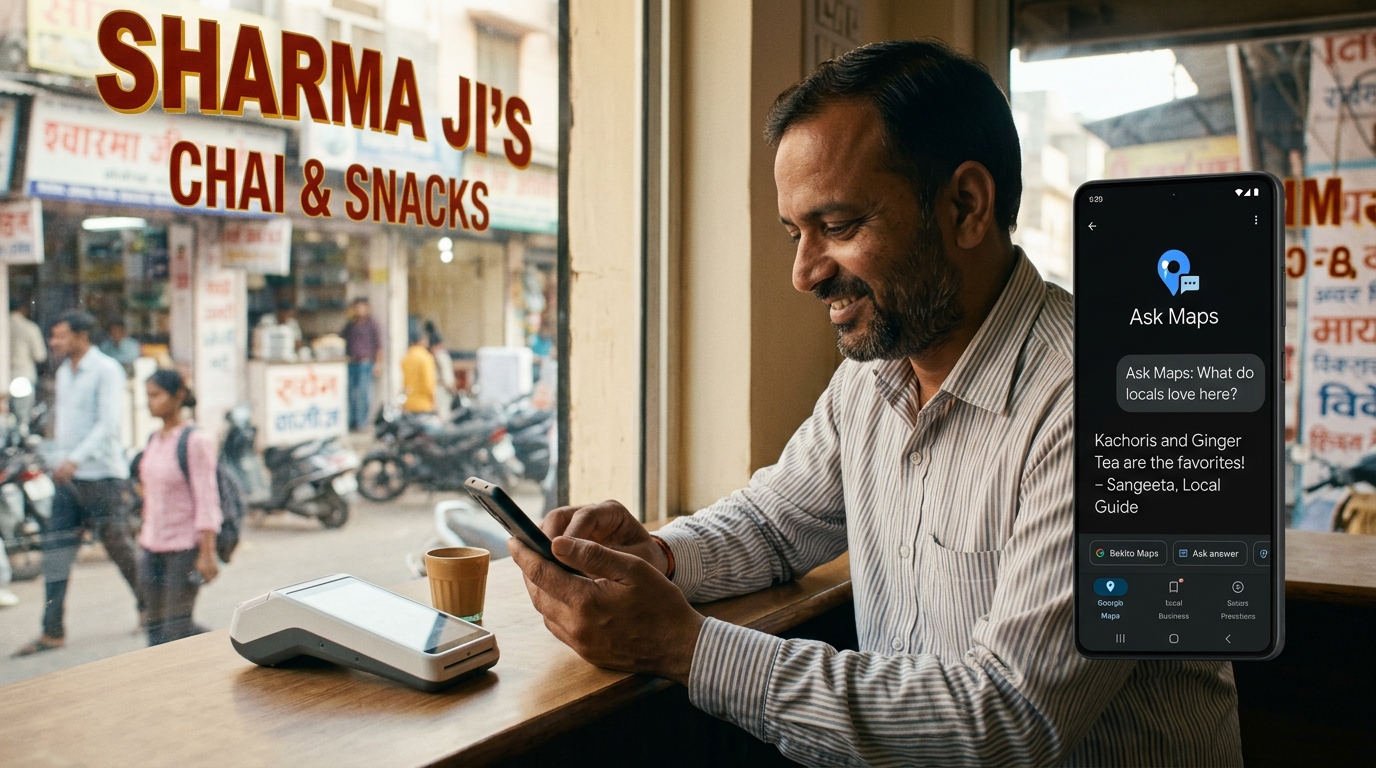
Alongside the AI Mode restaurant booking expansion, Google launched Ask Maps in the US and India this week. Ask Maps is a Gemini-powered conversational experience built directly into Google Maps that allows users to plan trips, find businesses nearby, and ask location-based questions in natural language. It is not a small UI update. It is a new way millions of people will discover local businesses.
How Ask Maps Works and Why It Changes Local Discovery
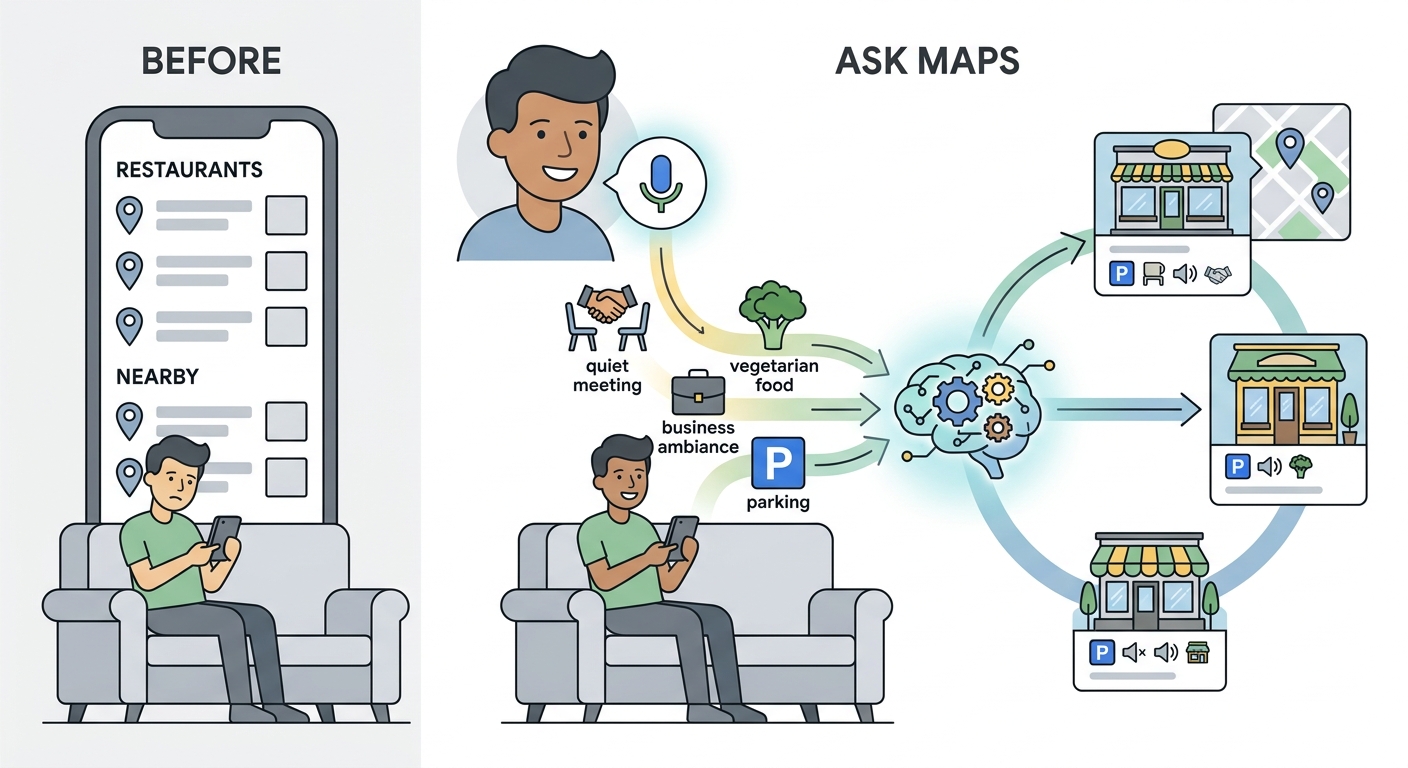
Instead of searching “restaurants near me” and scrolling through a list, a user can now say “I want a quiet dinner spot for a business meeting near Connaught Place with good vegetarian options and parking nearby” and Ask Maps builds a curated answer. It considers all the parameters simultaneously and surfaces businesses that match the full context of the question — not just the keyword.
For local businesses, this changes what information matters most in your Google presence. Niche details that used to be buried in your profile — parking availability, ambiance type, dietary options, occasion suitability — are now the signals that determine whether you appear in a highly specific, high-intent Ask Maps answer.
What to Update in Your Google Profile Right Now
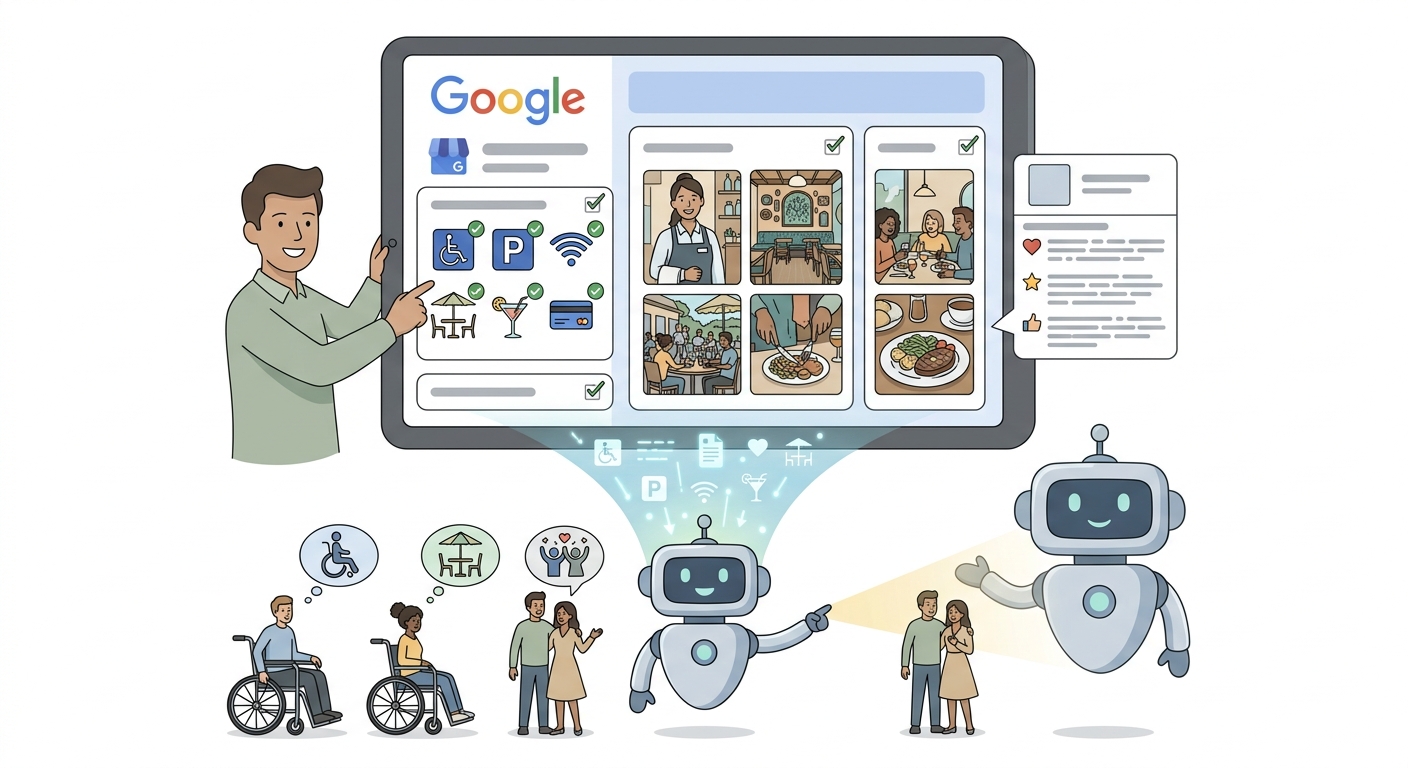
The most valuable thing you can do today is add detail to the parts of your Google Business Profile that most businesses skip. Your attributes section — which covers things like parking, accessibility, Wi-Fi, outdoor seating, occasion suitability, and payment methods — should be completely filled in. Your photos should cover the full experience, not just the food.
Your description should clearly communicate the atmosphere, the type of occasion your venue suits, and what makes it distinctive. These are exactly the details that a conversational AI uses when building a specific recommendation for a user with a specific need.
Ask Maps is live in India right now and expanding globally. The businesses that have detailed, complete profiles are the ones that will show up in its answers.
Quick Links:



Comments
Be the first to leave a comment.